Shippo, connected
Link your Shippo account once. USPS, UPS and FedEx rates and labels then appear right inside each order, billed by Shippo at your rates.
Connect your Shippo account, compare carrier rates for each order, print labels in bulk, and give customers a tracking page with your name on it.
7-day trial · No card to start · $0 setup
Link your Shippo account once. USPS, UPS and FedEx rates and labels then appear right inside each order, billed by Shippo at your rates.
See prices and delivery estimates from USPS, UPS and FedEx side by side before you buy the label.
Show shoppers live carrier rates for their ZIP code, or your own flat and free-shipping rules, so what they pay is close to what you pay.
Select a morning’s orders, buy their labels together and print every label and packing slip at once.
Charge by weight, order value or zone, offer free shipping above an amount, and test a rule before it goes live.
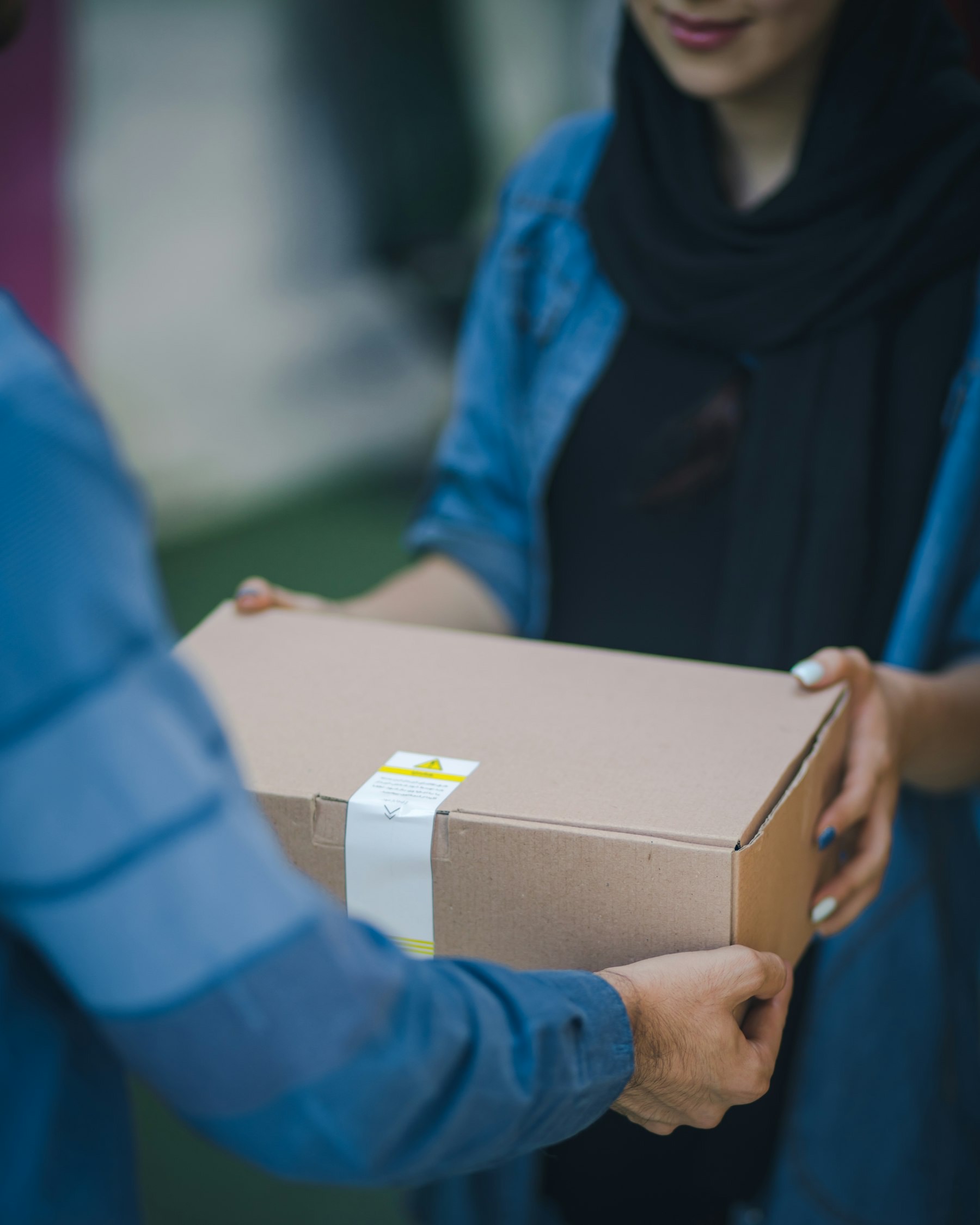
Customers track their package on your store, not a carrier site, and get email updates as it moves.
Sample order timeline
For each order you see the rates your Shippo account gets and the delivery estimate for that address. The actual label cost is saved against the order.
| Order | Channel | Total | Status |
|---|---|---|---|
| #1042 | $48.00 | Paid | |
| #1041 | Store | $19.00 | Unpaid |
| #1040 | TikTok Shop | $64.00 | Packed |
| #1039 | Etsy | $24.00 | Shipped |
Sometimes a carrier cannot deliver: a wrong address, no safe place to leave it, a package held at the post office. Tracking updates turn each exception into a task, so it does not quietly go back to sender.
Add your Shippo API key. AjVik checks the connection works before saving it.
Decide whether shoppers see live carrier rates or your own rates by weight, value or zone, and test the rules on a sample order.
Each day, select paid orders, compare rates, buy labels and print them for pickup or drop-off.
Can't find what you're looking for? Our team replies within one working day.
Yes. You connect your own Shippo account, so labels are billed to you directly at your Shippo rates. AjVik does not resell shipping or add a margin on labels.
Through Shippo you can buy USPS, UPS and FedEx labels. Shippo also lets you link carrier accounts you already have. Stores outside the US can connect carrier services such as Sendcloud or Starshipit.
Yes. You can show live carrier rates for the shopper’s address, use your own flat or weight-based rates, or offer free shipping above an order value. You choose per shipping zone.
Yes. Shipping rules support free-shipping thresholds, flat rates, weight tiers, value bands and zone pricing. When two rules overlap, AjVik shows which one won and why.
Yes. You can pick per order, or choose the cheapest or fastest option for a batch. The chosen carrier and the real label cost are saved on each order.
Seven days to try everything with real customers. Pick a plan when you are ready.