AjVik Payments, powered by Stripe
Cards, Apple Pay, Google Pay and ACH bank payments at checkout. Set up in minutes; Stripe verifies your business details.
AjVik Payments, powered by Stripe, accepts credit and debit cards, Apple Pay, Google Pay and ACH bank payments. Add PayPal alongside it. Payouts go to your US bank account on Stripe’s schedule, and every payment is matched to its order.
7-day trial · No card to start · $0 setup
Cards, Apple Pay, Google Pay and ACH bank payments at checkout. Set up in minutes; Stripe verifies your business details.
Connect your PayPal business account so shoppers who prefer it can pay that way.
Send a link in an Instagram DM, Messenger, WhatsApp or a text for an order taken in chat. When it is paid, the order updates on its own.
Card details are entered in Stripe’s secure fields and handled by Stripe, which is PCI DSS compliant. They never sit on AjVik’s systems.
Money from sales is paid out to your US bank account on Stripe’s payout schedule, after fees.
See each payment, its fees and its refunds next to the order, so what your bank receives makes sense.
Your numbers, simple math: a returned order is refunded and costs shipping both ways. AjVik works this out on every real order for you.
Turn on AjVik Payments and Stripe walks you through verifying your business and adding the bank account for payouts. Connect PayPal next to it if your customers ask for it.
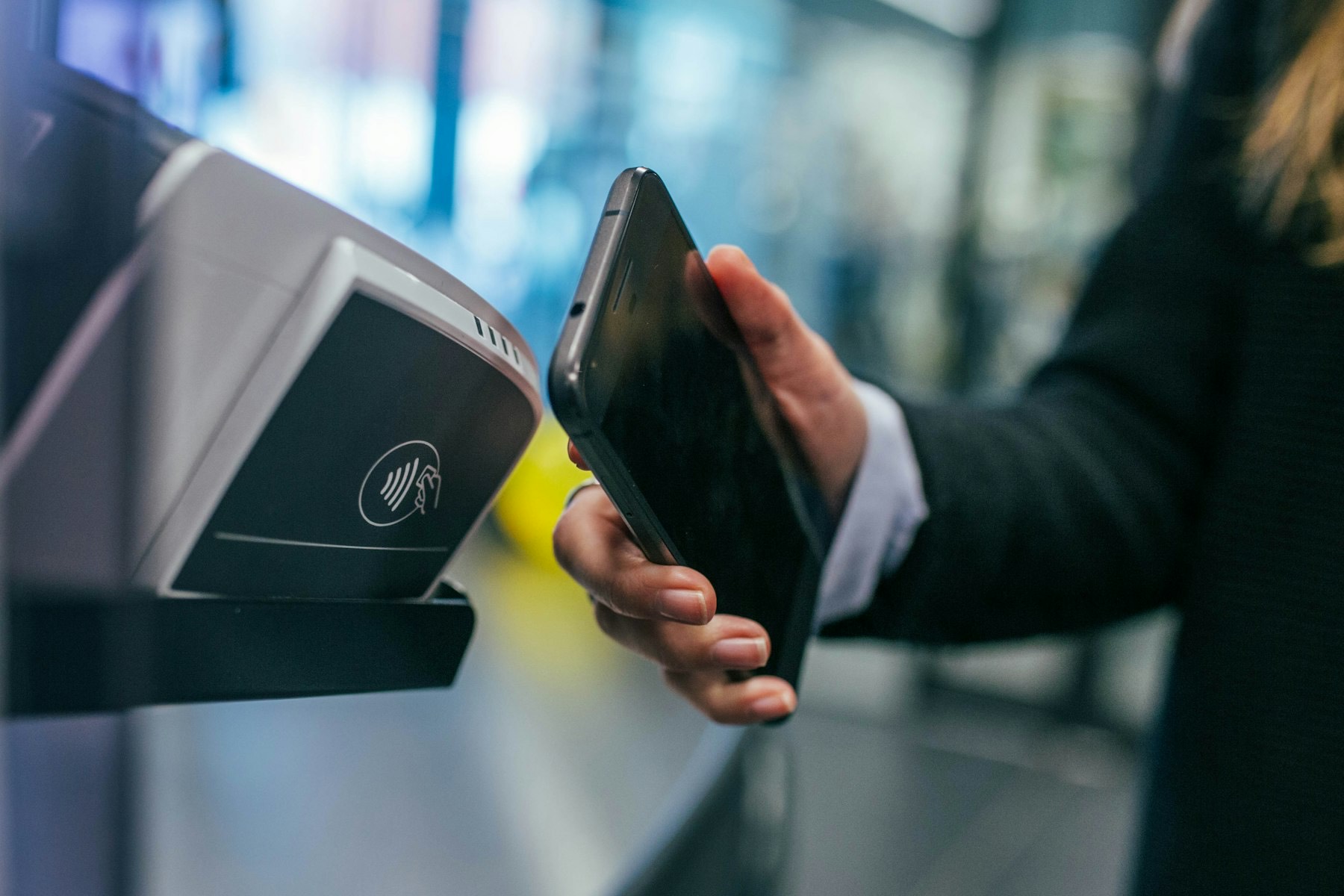
Build the cart inside the conversation, send a payment link and let the customer pay with a card, Apple Pay or Google Pay without browsing your store.
Each payment, fee and refund is recorded against its order. You can see what you earned, not just what customers paid.
Enter your business and bank details. Stripe handles identity checks.
Connect your PayPal business account and run a test payment.
Switch to live mode. Even during the trial, your store on its free .shop.ajvik.com address takes real orders.
Can't find what you're looking for? Our team replies within one working day.
Your plan is a monthly subscription. Online payments processed through AjVik Payments also carry a platform fee of 2.5% on Starter, 2.0% on Growth or 1.5% on Pro, in addition to Stripe’s standard processing fees. Orders paid through PayPal carry no AjVik platform fee; PayPal charges its own fees.
On Stripe’s payout schedule, straight to your US bank account. PayPal payments land in your PayPal account on PayPal’s terms.
Yes. ACH bank payments are available through AjVik Payments. They take a few business days to clear, so AjVik marks the order paid once the payment succeeds.
Yes. AjVik Payments accepts major cards issued outside the US. Stripe may charge extra for international cards and currency conversion.
Card details are typed into Stripe’s own secure fields and handled by Stripe, which is PCI DSS compliant. AjVik never sees or stores full card numbers.
Indian stores use local payment methods through Indian gateways. See the Selling in India page for how that works.
Seven days to try everything with real customers. Pick a plan when you are ready.